Sticklock: the sticky note that locks
Encrypted notes for your Mac, iPhone and iPad that open only with your password, Touch ID or Face ID: for Wi-Fi passwords, door codes, license keys and recovery codes.
Help center →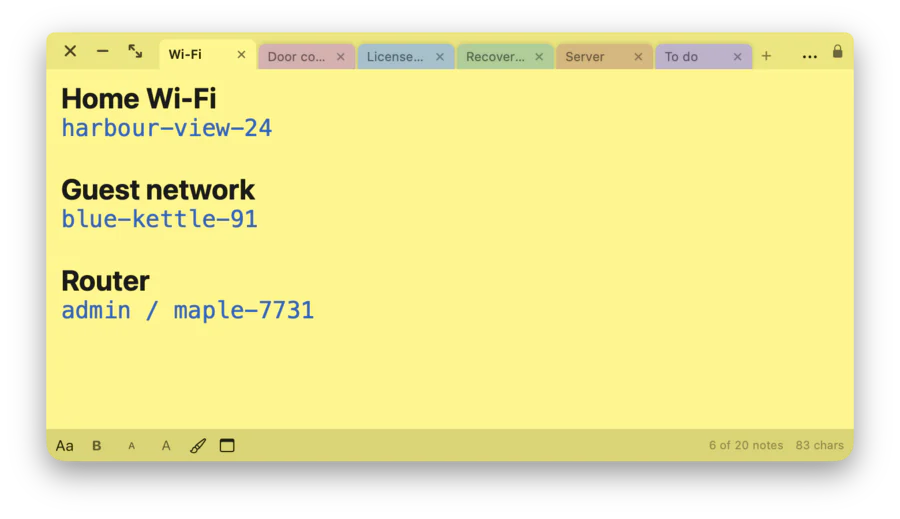
A note that locks itself
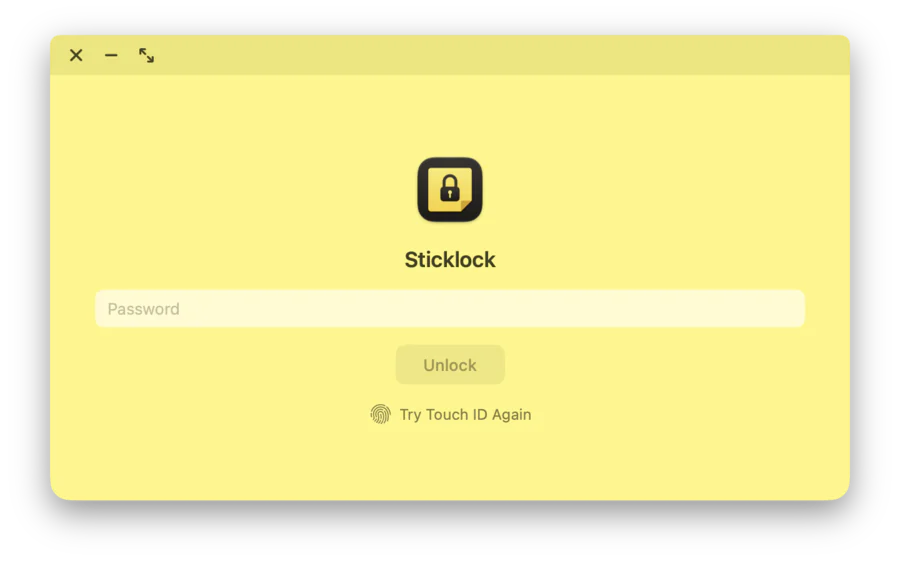
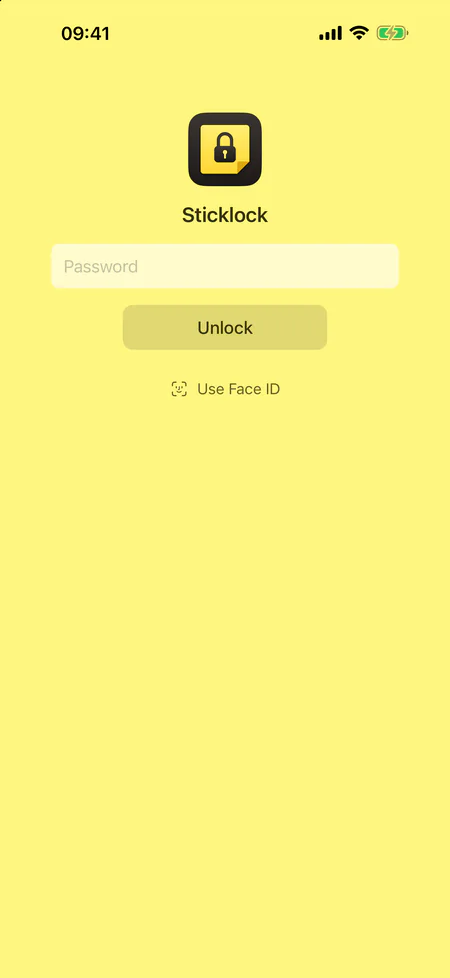
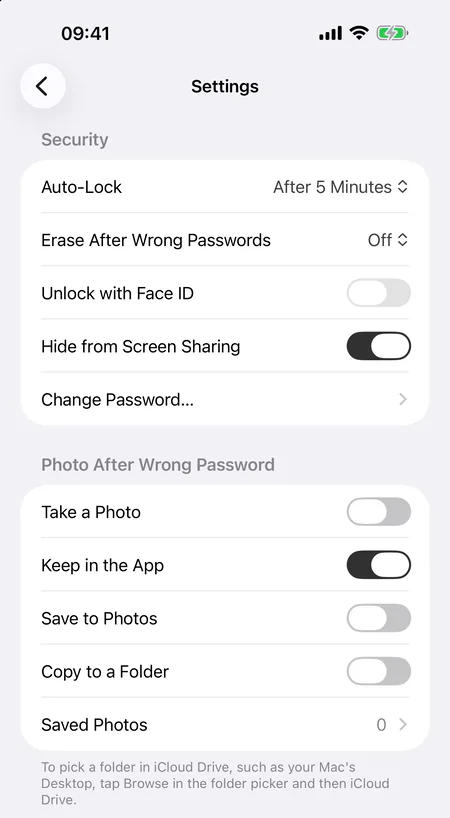
Unlock with your password, with Touch ID on the Mac, or with Face ID or Touch ID on iPhone and iPad. Your notes lock again after the idle time you choose, from 10 seconds to 30 minutes. The Mac also locks them when it sleeps and when the screen locks; iPhone and iPad lock them the moment you leave the app. By default Sticklock asks macOS to keep your notes out of screen sharing and recordings. On iPhone and iPad they are covered while the screen is recorded or mirrored, and the app switcher never shows their text.
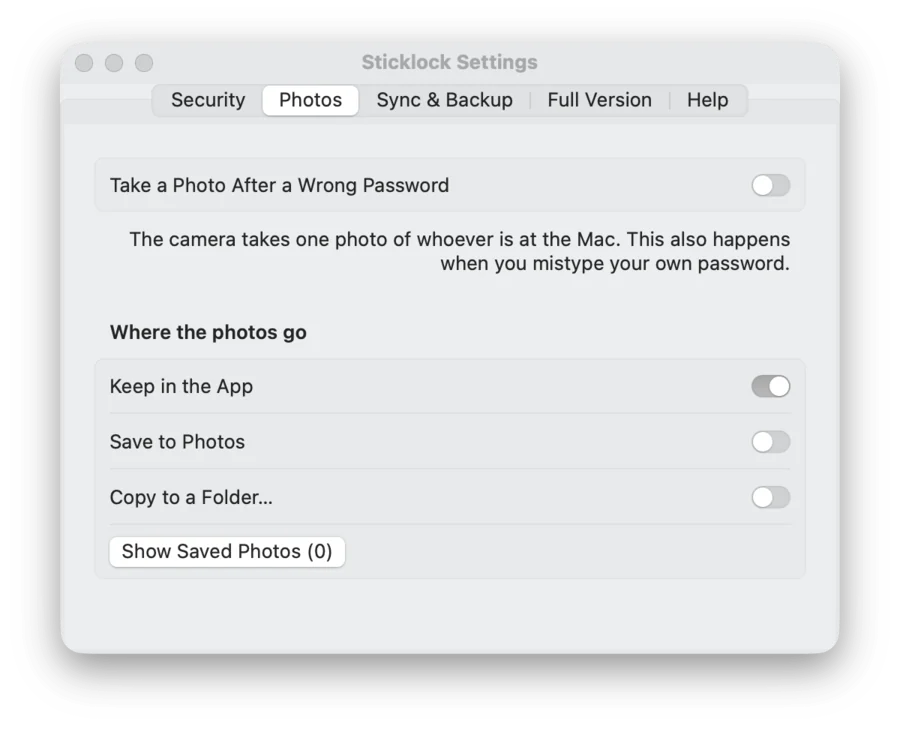
A photo after a wrong password
Turn it on and Sticklock takes one photo with the camera after every wrong password typed on the lock screen, including when you mistype your own. It is off until you switch it on, and the system asks for camera permission first. Photos kept in the app stay on that device (and in its backups). You can also have them saved to Photos or copied to a folder. A second option, also off by default, erases the notes in Sticklock and your password data after 5, 10 or 20 wrong passwords in a row.
Tabs on the Mac, and notes you can pull out
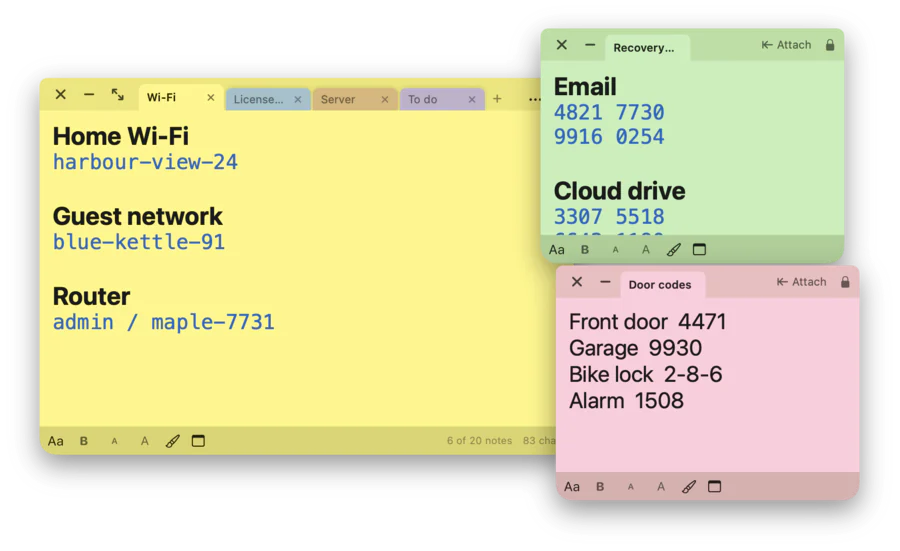
On the Mac your notes sit side by side as tabs, up to 10 in a row and two rows. With the Full Version, drag a tab out of the window and it becomes its own small floating note. Drag it back, or click Attach, and it is a tab again. Sticklock floats above your other windows and lives in the menu bar, with no Dock icon.
On iPhone and iPad, in sync with your Mac
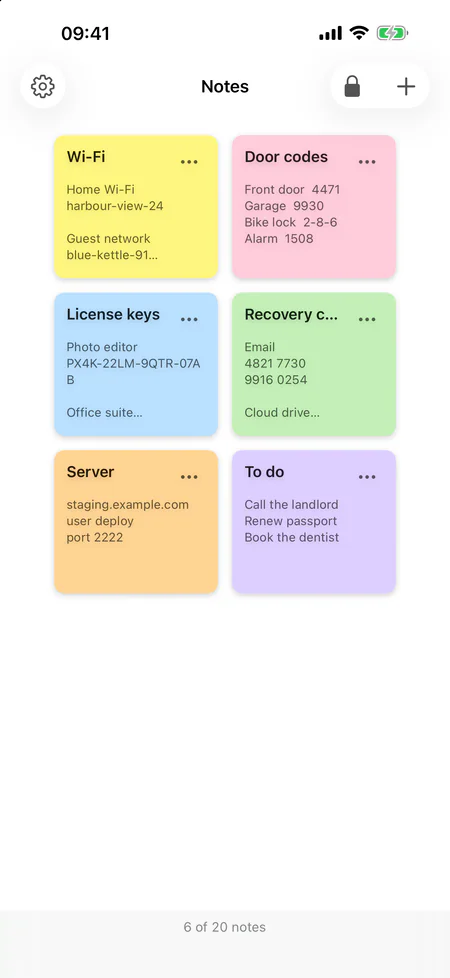
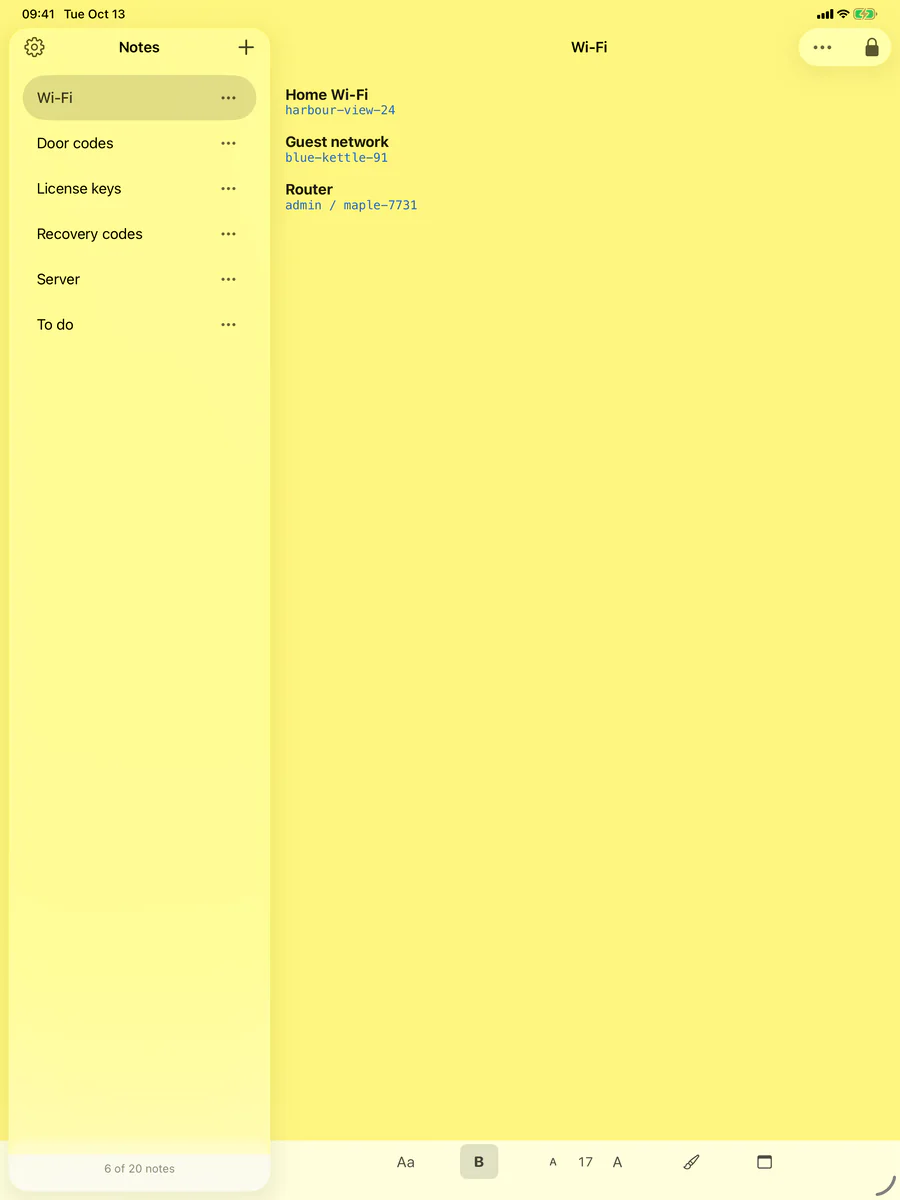
On iPhone your notes are colored cards: tap one to read or write. On iPad the list stays beside the note you have open. With the Full Version, your notes sync between Mac, iPhone and iPad through your own iCloud Drive. They are encrypted on the device first: iCloud stores only the encrypted notes and the data needed to check your password, never the password itself. Every device opens them with the same password. Sync is optional.
Write it the way you like
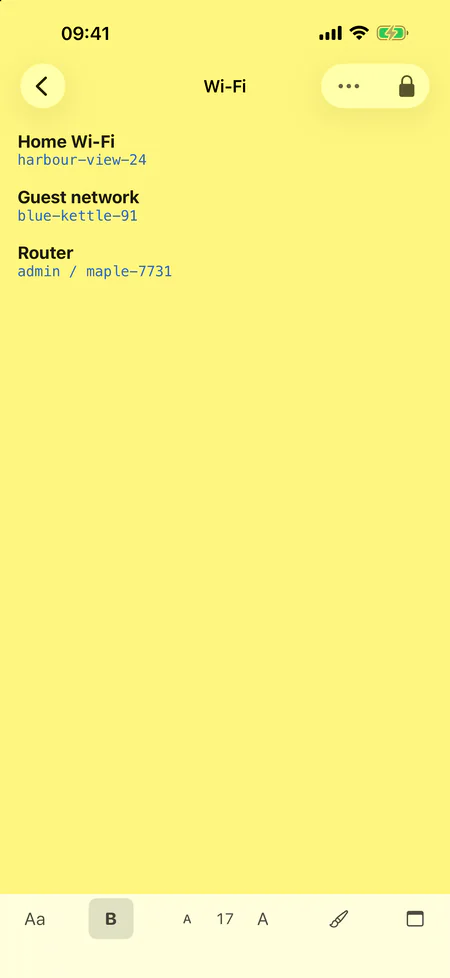
Bold, text size, text color and font work on any selection: eight fonts, eight text colors and sizes from 9 to 48 points. Give each note one of seven paper colors: yellow, pink, blue, green, orange, purple or gray.
Backup and export
Export an encrypted backup and import it again whenever you like, on the Mac, iPhone or iPad. The file stays locked with the password you used when you exported it. You can also export your notes as plain text; the app warns you first, because that file is not protected.
- Encrypted backup in one file
- Import on Mac, iPhone and iPad
- Plain-text export, after a warning
- Change your password: every note is encrypted again
Security in plain words
- Every note is encrypted with AES-256-GCM. The key is derived from your password with PBKDF2-HMAC-SHA256 and 600,000 rounds.
- Your password is never stored. There is no recovery, no reset and no back door. If you forget the password, nobody can open your notes, and that includes us.
- The Touch ID or Face ID key stays on the device. It does not sync, and it stops working when the enrolled fingerprints or faces change.
- Every note is its own encrypted file. When you change the password, every note is encrypted again.
Privacy
- No account, no tracking, no analytics.
- No data is collected.
- The app talks to no server of ours. Sync, when it is on, uses your own iCloud Drive, and the purchase goes through the App Store.
- The camera is used only if you turn on the photo after a wrong password.
Free and Full Version
Sticklock is free with 2 notes. One purchase unlocks the Full Version, and it counts on Mac, iPhone and iPad. You pay once and there is no subscription. The app shows the price for your country before you buy.
-
Free
- 2 notes
- Password, Touch ID and Face ID
- Auto-lock
- Photo after a wrong password
- Erase after wrong passwords
- Formatting and seven paper colors
- Encrypted backup and export
-
Full Version
- 20 notes
- Pull notes out into their own windows (Mac)
- iCloud sync between Mac, iPhone and iPad
- One purchase for Mac, iPhone and iPad
- No subscription
Bought the earlier paid Mac version? Then the Full Version is already unlocked on your Mac.
Specifications
Questions
Is Sticklock the same app as Secure Sticky Notes?
Yes. From version 2.0 Secure Sticky Notes is called Sticklock, and it now runs on iPhone and iPad too. Your notes are kept: the first time you unlock after the update, they are moved to the new format.
What if I forget my password?
If Touch ID or Face ID is set up, unlock that way and save your notes with Export as Text first. Otherwise nobody can open your notes, and that includes us: the password is never stored and there is no reset. After three wrong passwords in a row, the lock screen offers to erase all notes so you can start over. Keep your password somewhere safe.
Does Sticklock work without iCloud?
Yes. Sync is optional, and without it your notes stay encrypted on the device. Sync needs the Full Version and iCloud Drive.
I bought the earlier Mac version. Do I pay again?
If you bought the earlier paid Mac version with the same Apple Account, the Full Version of Sticklock is unlocked on your Mac automatically.
Does Sticklock use the camera?
Only if you turn on the photo after a wrong password. It is off by default, and the system asks for your permission first. Photos kept in the app stay on that device (and in its backups). You can also have them saved to Photos or copied to a folder.
Where are my notes stored?
Encrypted on your device, one file per note. With sync on, the encrypted files are in your own iCloud Drive. Nothing is stored on a server of ours.
Ready to lock your notes?
For the Mac with macOS 13 (Ventura) or later, and for iPhone and iPad with iOS 26 and iPadOS 26 or later. Free with 2 notes.
Questions? Visit the Help center →